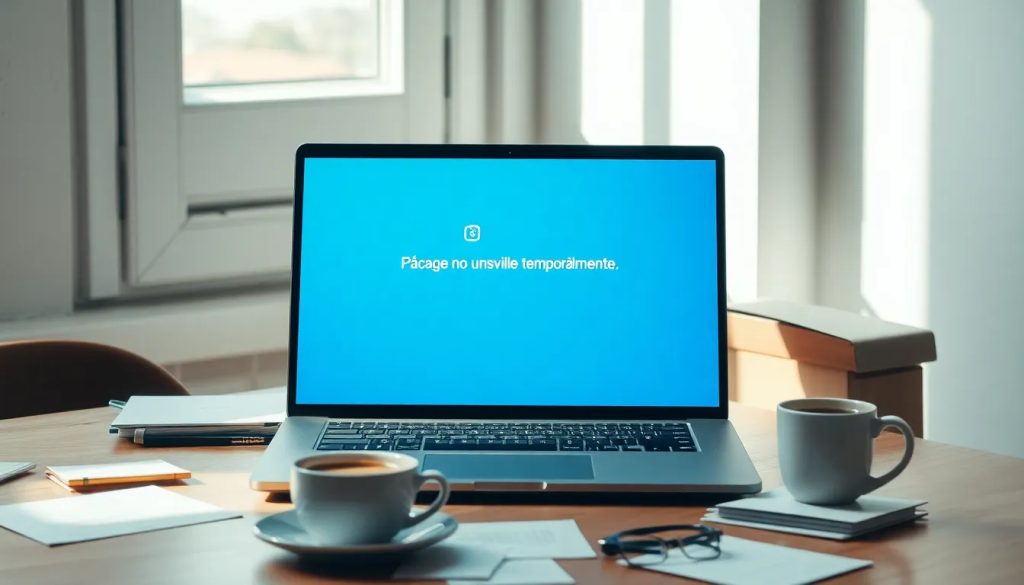
The “The page is temporarily unavailable” message is a common notice that many internet users encounter when trying to access a website. It indicates that there is a problem with the availability of the content they want to view. This is generally a temporary situation, but it can be frustrating for people who rely on information online.
Understanding the reasons behind this message is essential to resolving it. In this article, we’ll take an in-depth look at the causes and possible solutions for the “The page is temporarily unavailable” error.
What is the 503 Service Unavailable error?
The 503 Service Unavailable error is an HTTP status code indicating that the server cannot handle the request at that time. This can be caused by several factors, such as server maintenance or a traffic overload. When servers are under heavy strain, they may not be able to respond to all requests efficiently.
This type of error is not permanent and is usually resolved within a short time. However, it can be a sign of more serious problems if it occurs frequently. Website administrators should watch for these messages to maintain user satisfaction.
It is also important to note that the 503 error may be temporary and does not necessarily mean that the server has failed completely. The problem often resolves itself when the load decreases or the relevant maintenance is completed.
What are the most common causes of the 503 error?
The most common causes of the 503 error include:
- Server maintenance: Servers often require maintenance to update software or make improvements, which can cause temporary outages.
- Traffic overload: If a website receives more visitors than its server can handle, it may result in a 503 error.
- Database issues: Database connection errors, such as those involving phpMyAdmin, can also trigger this message.
- Incorrect configuration: Errors in server or application configuration can lead to malfunctions.
For example, many Prestashop users have reported that this error appears while a Sitemap file is being generated, affecting their sites’ performance. These cases highlight the importance of understanding the cause of the “The page is temporarily unavailable” message.
How do you fix the “The page is temporarily unavailable” error?
You can take several steps to fix the “The page is temporarily unavailable” error:
- Refresh the page: Sometimes, simply refreshing the page can solve the problem.
- Check the server status: Use monitoring tools to check whether the server is down or undergoing maintenance.
- Check your server configuration: Make sure there are no errors in your web server or application configuration.
- Contact your hosting provider: If the problem persists, contact your hosting provider for more information.
Implementing these solutions can help you restore access to your website quickly. It’s essential to be prepared and have an action plan to minimize the time your site is temporarily unavailable.
What should I do if my page displays the “Service Temporarily Unavailable” message?
When you encounter the “Service Temporarily Unavailable” message, there are several things you can try. First, try visiting other websites to see whether the problem is specific to one page or affects multiple websites.
If the problem is local, try clearing your browser cache or using a different browser. If the error persists, consider carrying out a more thorough diagnosis:
- Check your internet connection: Make sure you have internet access and that your connection is stable.
- Try another device: Try accessing the site from another device to determine whether the problem is with your device or the server.
- Check support forums and groups: Other users have often experienced the same problem and may be able to offer helpful solutions.
Knowing what to do in these situations is crucial to improving the user experience and avoiding unnecessary frustration.
How can you prevent the 503 error in the future?
To prevent the 503 error from appearing again, it’s important to follow a few recommended practices:
- Optimize server performance: Make sure the server has enough capacity to handle the expected traffic.
- Schedule maintenance: Notify users about maintenance in advance to avoid confusion.
- Set up backups: Keep backups so you can restore services quickly if needed.
In addition, using backup servers or load-balanced servers can help handle traffic spikes and reduce the likelihood of seeing the “The page is temporarily unavailable” message.
What other solutions can I try to fix this error?
There are several other solutions you can try if the 503 error keeps appearing:
- Check the error logs: Review your server logs to identify specific issues related to the error.
- Disable plugins or extensions: If you use a CMS such as WordPress, disabling problematic plugins can help you identify the cause of the error.
- Update your software: Make sure your server and application software are up to date to avoid vulnerabilities.
These additional steps can make it easier to diagnose and resolve the problem while optimizing your website’s performance.
Related questions about the “The page is temporarily unavailable” message
What does the “Service Temporarily Unavailable” error message mean?
The “Service Temporarily Unavailable” message means the server can’t handle the request at that moment. This may be due to maintenance or heavy traffic. Administrators should keep an eye out for these issues to make sure service is restored as soon as possible.
This error is a warning sign that can help diagnose server problems which, once resolved, may improve the user experience. The message is usually temporary, but it requires attention.
How do you diagnose the temporarily unavailable page error?
Diagnosing the “The page is temporarily unavailable” error involves checking several things. First, check the server configuration and error logs for any irregularities. You can also use analytics tools to check the server load.
It’s also helpful to contact your web hosting provider. They can provide information about the server status and whether they’re carrying out maintenance that could be causing the problem.
What should I do when my website is temporarily unavailable?
When your website shows that it’s “temporarily unavailable,” start by checking your connection and trying to access it from other devices and networks. If the problem continues, contact your hosting provider for technical support.
Also, make sure there are no database issues that could be causing the error. Tools such as phpMyAdmin can be useful for diagnosing database problems that may be affecting access to your site.
Clear communication and quick action are key to resolving this situation and minimizing its impact on users. Remember that, in most cases, errors of this kind are temporary and are resolved fairly quickly.